Services/Business Systems & Automation/Automation
FLT WF-3.2Business Systems & Automation

Automation that gives your team its time back

We find the repetitive work — data entry, reporting, handoffs, follow-ups — and make software do it. Reliable, monitored pipelines that run while you sleep.
Robotic arm performing precise automated work
✦ Hours saved weekly, per person
What you get

Everything included, nothing vague

Workflow mapping & automation strategy
System-to-system integrations & APIs
Automated reporting & live dashboards
Document generation & processing
Email, CRM & notification automation
Error handling, logging & monitoring
Managed automations — we keep them running

Who it's for

Automation pays off when the same task happens every day, follows clear rules, and moves data between tools that don't talk to each other. Typical signs:

  • ✦Someone copies orders, leads or invoices from one system into another by hand.
  • ✦A weekly report takes half a day to assemble from spreadsheets and exports.
  • ✦Follow-up emails, reminders or onboarding steps depend on someone remembering.
  • ✦Errors creep in at handoffs: a missed field, a duplicate entry, a wrong price.

If the work needs judgement every time, we'll say so. Not everything should be automated.

Common automations we build

Lead to CRM to follow-up

Website and ad leads land in your CRM, get tagged and assigned, and receive the first reply automatically.

Orders and invoicing

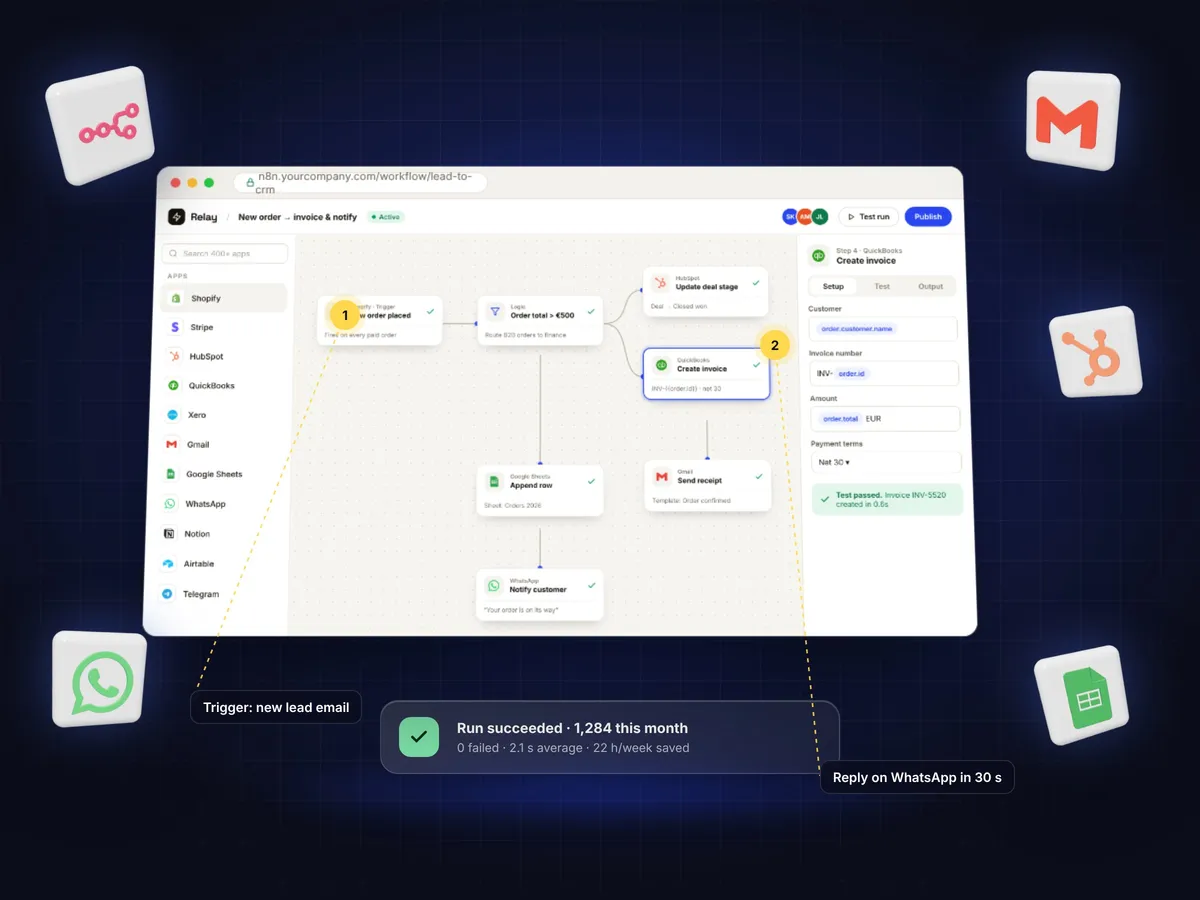
Paid orders create invoices, update stock and notify the warehouse, with no re-typing.

Reporting

Sales, ad spend and operations data pulled into one dashboard that refreshes itself.

Documents

Quotes, contracts and certificates generated from templates and sent for signature.

Clinics and service businesses

Booking confirmations, reminders and review requests sent at the right moment.

How it works
01

Find the waste

A workflow audit ranks tasks by hours saved × error risk.

02

Automate & integrate

Build the pipelines — off-the-shelf where it fits, custom where it counts.

03

Monitor & expand

Alerts and dashboards prove the savings, then we automate the next task.

Common questions

Where do we start?

With a workflow audit. We list every repetitive task, score it by hours saved and error risk, and automate from the top of the list.

Zapier-style tools or custom code?

Both. No-code tools where they are enough; custom pipelines where volume, complexity or cost make them the better economics.

What happens when an automation breaks?

Monitoring, alerting and fallbacks are built into every pipeline we ship — and we maintain what we build.

How much does an automation project cost?

It depends on the number of systems and steps involved. A single workflow between two tools is a small fixed-price job. A multi-system pipeline is scoped after the audit, so you see the price before any build starts.

Which tools do you work with?

n8n, Make and Zapier for no-code flows; Python and Node for custom pipelines; and the APIs of common CRMs, accounting tools, e-commerce platforms and ERPs such as ERPNext and Odoo.

Do we have to change the software we already use?

Usually not. We connect the tools you have. If a tool has no API and is the bottleneck, we'll explain the options.

How do we know it's actually saving time?

Every automation logs its runs, so you can see how many tasks it handled and how many errors it caught.

Related services
ERP SolutionsAI IntegrationPython Projects
Guides
Ready when you are

Let's automate the busywork

Tell us the task your team hates most — that's usually the best place to start.