Home/QR code generator/Wi-Fi QR code generator
Free tool

Wi-Fi QR code generator

Enter your network name, password and security type, and guests can join by pointing their phone camera at the code. No typing, no spelling out passwords, and nothing you enter leaves your browser.

Updated · By Wingflows

Loading the QR studio…

How to make a Wi-Fi QR code

  1. 1

    Type the network name (SSID) exactly as it appears, including capitals and spaces.

  2. 2

    Type the password and choose the security type. Most home and business routers use WPA.

  3. 3

    Tick Hidden network only if your network doesn't broadcast its name.

  4. 4

    Download the code and stick it where guests sit, or print it on a table card.

How does a Wi-Fi QR code work?

The code stores your network details in a standard text format, WIFI:T:WPA;S:network;P:password;;. Phone cameras on iPhone and Android recognise it and offer to join the network. Special characters such as ; , : and " in the name or password are escaped automatically so the code still works.

Is it safe to put my Wi-Fi password in a QR code?

Anyone who scans the code can join your network, the same as if you told them the password. For a café, office or Airbnb, create a separate guest network on your router and use that in the code, so visitors stay off the network your own devices use.

When you change the password

The password is stored inside the code, so a new password needs a new code. Make it here in a few seconds and replace the old print.

FAQ

Questions, answered

Do iPhones and Android phones scan Wi-Fi QR codes?

Yes. The built-in camera on current iPhones and Android phones recognises Wi-Fi QR codes and offers to join the network.

Which security type should I choose?

Choose WPA for WPA, WPA2 and WPA3 networks, which covers almost every modern router. Choose No password only for open networks.

Is my Wi-Fi password sent anywhere?

No. The code is generated in your browser and the password is never sent to a server.

Can I make a Wi-Fi QR code for a hidden network?

Yes. Tick Hidden network so phones know to look for it even though it doesn't broadcast its name.

Need codes you can edit and track?

These codes are static and free forever. If you want to change where a printed code points, see scans by day and location, or tie codes into ordering, bookings or your ERP, we build that for you.

Talk to us about dynamic QR

More free QR tools

All articles →
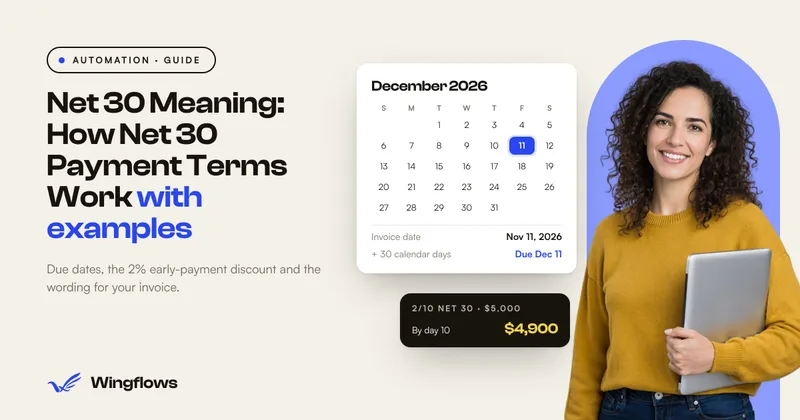
Net 30 Meaning: How Net 30 Payment Terms Work
Automation

Net 30 Meaning: How Net 30 Payment Terms Work

SAC Code: How to Find the Right GST Code for Your Service
Automation

SAC Code: How to Find the Right GST Code for Your Service