Host and domain move
Same platform, new host, with clean-up
from
$390
- Files, database and email records
- PHP version, caching and backups set up
- DNS switch and checks
We move websites between platforms: Wix, Squarespace and WooCommerce to Shopify, WordPress or Astro. Every old URL gets a 301 to its new page, email keeps working, and the switch happens in one evening.
The platform you leave decides how much is exported and how much is rebuilt. This is what their own help pages say.
Wix
Squarespace
WooCommerce
| Platform | Can the site be exported? | What comes out | What we rebuild |
|---|---|---|---|
| Wix | No. Wix sites only run on Wix's servers | Your content, which belongs to you, copied page by page | Design, forms and bookings |
| Squarespace | Partly: a WordPress-format export | Pages, one blog, text and image blocks | Products, audio and video, your styling |
| WooCommerce | Yes: product CSV export built in | Products with custom fields; posts and pages via WordPress | Theme and checkout extras |
Moving to Shopify? Its product and collection addresses always start with /products/ and /collections/, so every old product URL needs a redirect. Squarespace's export details come from its help centre; check the current page before relying on them.
Before launch we export every URL Google has indexed and every page other sites link to, then give each one a new address. After the DNS switch we request the whole old list and fix anything that doesn't land on a 200.
/services-1/services/bookkeeping301/blog/2023/4/12/quarterly-taxes/blog/quarterly-estimated-taxes301/s/price-list.pdf/pricing301PDF became a page/contact-us/contact301/team/about#team301/cart(removed)410Shop closed on purposeOne hop per redirect, never a chain. A 410 tells search engines a page is gone on purpose, so it drops out cleanly.
Ostler & Vane Bookkeeping, Asheville, North Carolina
A two-partner bookkeeping firm on a Squarespace template. We rebuilt the site in Astro, moved 34 pages and 61 blog posts, set 95 redirects and updated the link on their Google Business Profile.
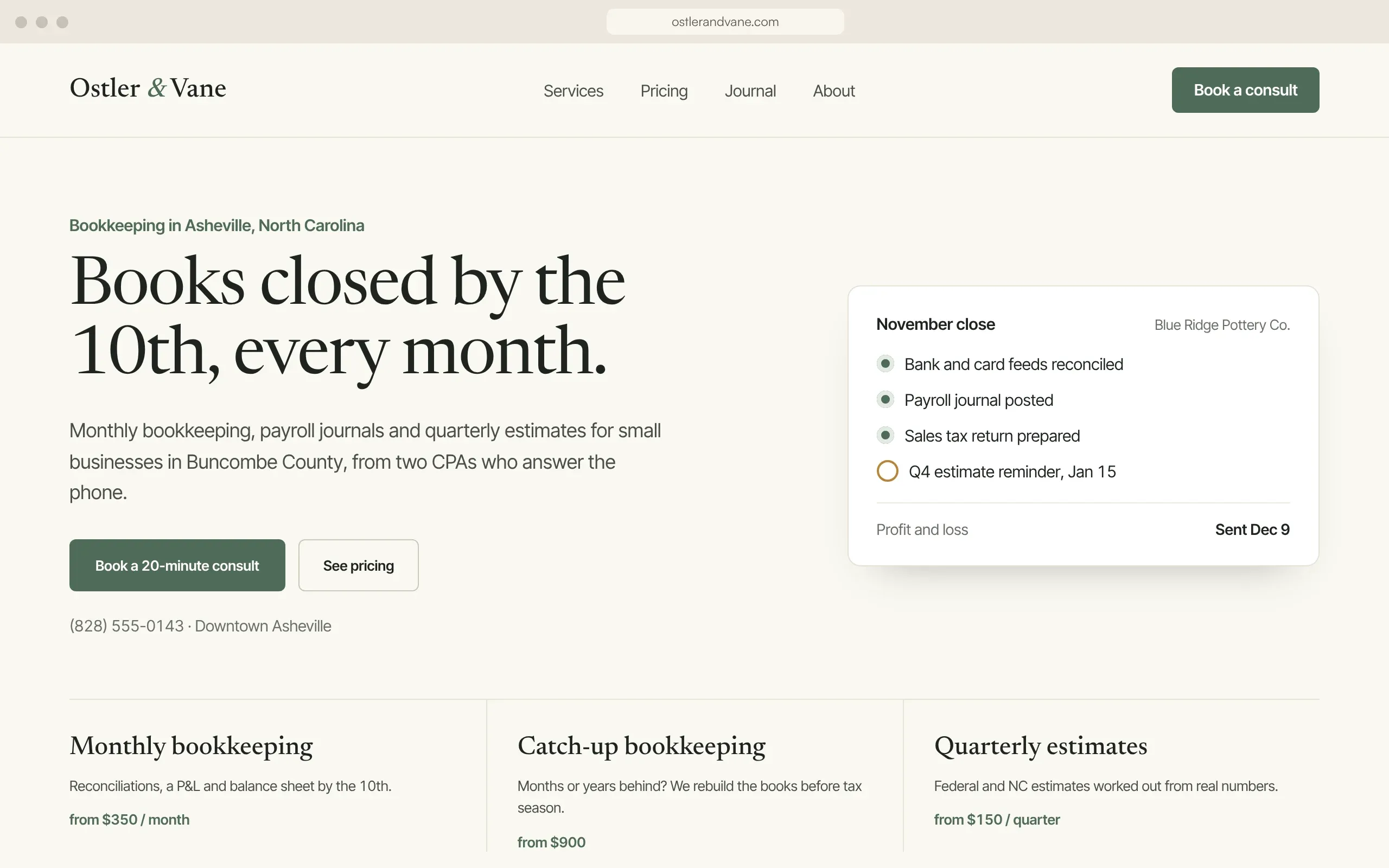

We couldn't have anything move before the April filing deadline, so it moved in May, after our busiest weeks were over.The new site is built and tested while the old one stays live. The switch itself is one evening; the checks run for a month.
Records set to a short time-to-live, so the switch reaches visitors quickly.
No more edits on the old site; last posts copied across.
MX, SPF and DKIM set at the new DNS before anything moves.
The domain points to the new site; SSL issued for the domain and www.
Every old URL requested; anything not landing on a 200 is fixed that evening.
New sitemap submitted, test email sent, forms checked again.
404 report and enquiry count compared with the month before.
What any migration, ours or someone else's, should cover. Use it to brief whoever does yours.
If you're staying on WordPress and only changing host, your new host will usually move the site for free. Take that. Pay for a migration when the platform, the URLs or the design change too, because that's where old links break.
Final after we've seen your URL list. You pay for the move, not by the hour.
Same platform, new host, with clean-up
Up to 25 pages and a blog
To Shopify, up to 300 products
For the site we built or moved, so it keeps working after launch.
Expect some movement for a few weeks; rankings can't be guaranteed by anyone. What causes lasting losses is old URLs that return 404. We map every indexed URL to its new address with a 301 redirect and check them after launch.
No. Wix sites only run on Wix's servers. We rebuild the design on the new platform and move the content: pages, blog posts, images and products.
Its export to WordPress leaves out products, audio and video blocks, and your styling. We rebuild those by hand.
A 20 to 40 page site usually takes 2 to 4 weeks to rebuild and test; the switch itself happens in one evening.
Not if the email records move with the domain. We copy MX, SPF and DKIM records before switching nameservers and test sending afterwards.
Not for a same-platform host move. Use them. A service is worth it when you change platform, URL structure or design at the same time.
From $390 for a host and domain move, and from $1,500 for a platform change of up to 25 pages and a blog. Store moves start at $1,600 and depend on catalogue size; order history is included from $3,200.
A permanent redirect that tells browsers and search engines a page has moved, so visitors and most of the page's search value follow it to the new address.
Sources: Wix Help Center, exporting a Wix site; Shopify Help Center, URL redirects; WooCommerce, product CSV exporter; Squarespace, exporting your site (archived).
Book a call →Twenty minutes. We'll tell you what your platform lets you take, what has to be rebuilt, and a fixed price.