How to make a GST invoice
- 1
Enter your business name, address and GSTIN. The state is filled in from the first two digits of the GSTIN.
- 2
Add the buyer's name, address, GSTIN (if registered) and state. Change the place of supply if goods or services are delivered elsewhere.
- 3
List each item with its HSN or SAC code, quantity and rate, and pick the GST rate. The tool chooses CGST + SGST or IGST for you.
- 4
Check the amount in words, add a UPI QR and your signature, then download the tax invoice.
Download GST invoice format in Excel, Word and PDF
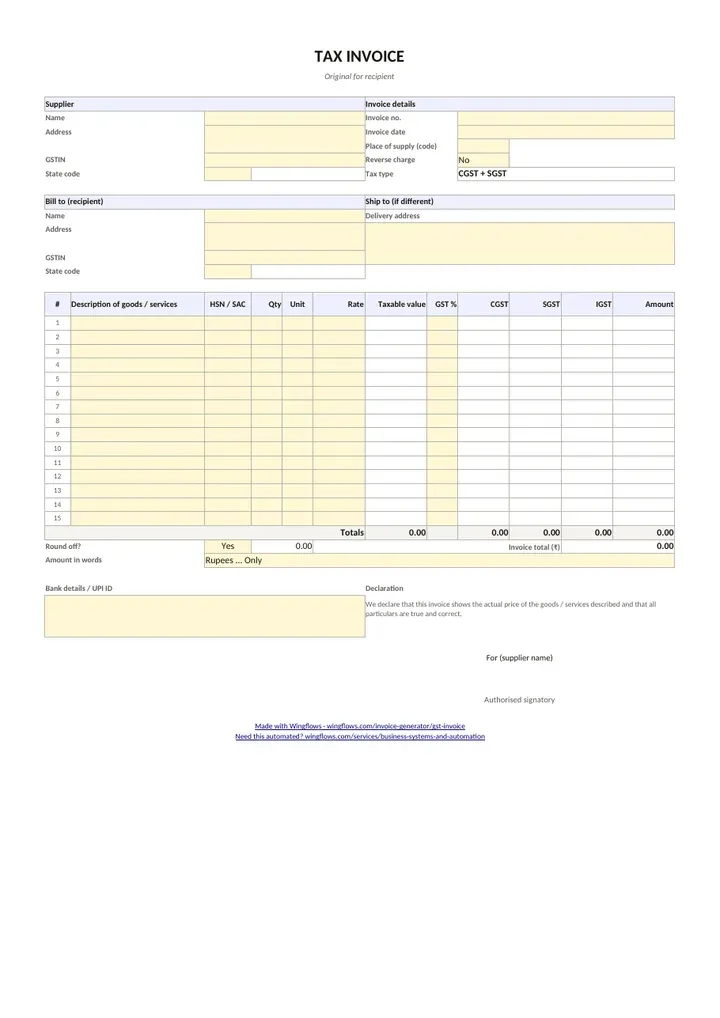
Need a blank GST invoice to fill in offline? Download the format below. The Excel file works out CGST + SGST or IGST from the two state codes, so the totals are correct as you type. The Word file is a print-ready A4 tax invoice with every Rule 46 field. Use the PDF if you print and write by hand.
- Download GST invoice format in Excel (.xlsx)Excel · 13 KB
State-code and GST-rate dropdowns (0, 0.25, 3, 5, 18, 40%), HSN column, 15 rows, automatic CGST/SGST or IGST.
- Download GST invoice format in Word (.docx)Word · 38 KB
Editable A4 tax invoice with all Rule 46 fields.
- Download GST invoice format in PDFPDF · 88 KB
Blank, print-ready A4 tax invoice.
Free to use and share. No sign-up, no email. A4, with a small Wingflows credit in the footer.
Mandatory fields on a GST tax invoice (CGST Rule 46)
- Supplier's name, address and GSTIN.
- A consecutive serial number, no longer than 16 characters, unique for the financial year (letters, digits, "-" and "/" allowed).
- Date of issue.
- Recipient's name, address and GSTIN if registered. For an unregistered recipient, the name, address and the state name with its code.
- HSN code for goods or SAC code for services.
- Description, quantity and unit, total value, and the taxable value after any discount.
- Tax rate and amount, shown separately as CGST, SGST/UTGST or IGST (and cess, if any).
- Place of supply with the state name, for inter-state supplies.
- Whether tax is payable on reverse charge.
- Signature or digital signature of the supplier or an authorised representative.
Tax invoice, bill of supply, or both?
| Document | Who issues it | Shows GST? |
|---|---|---|
| Tax invoice | Registered supplier making taxable supplies | Yes |
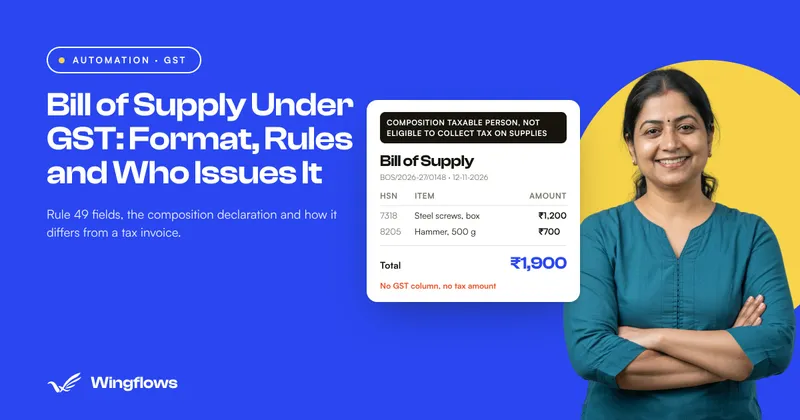
| Bill of supply | Composition dealers, or for exempt / non-taxable supplies | No |
| Invoice-cum-bill of supply | Registered supplier selling taxable and exempt items to an unregistered buyer together | Only on taxable items |
Turn on "Bill of supply" in the Tax section to change the heading and remove GST.
CGST + SGST or IGST? A worked example
A Kolkata studio (state code 19) bills ₹46,000 of design work at 18% GST.
Client in West Bengal (19): the supply is intra-state, so the invoice shows CGST 9% = ₹4,140 and SGST 9% = ₹4,140. Total ₹54,280.
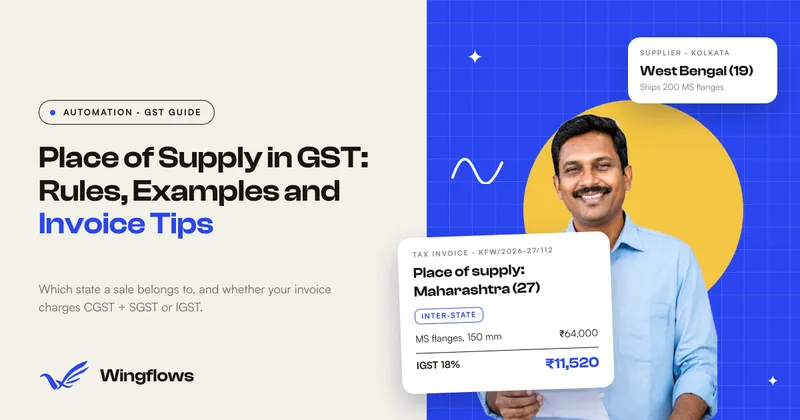
Client in Maharashtra (27): the supply is inter-state, so the invoice shows IGST 18% = ₹8,280. The total is the same, ₹54,280; only the split changes.
The tool compares your state with the place of supply and picks the right one. You can override it if your case is unusual.
How many HSN digits do I need?
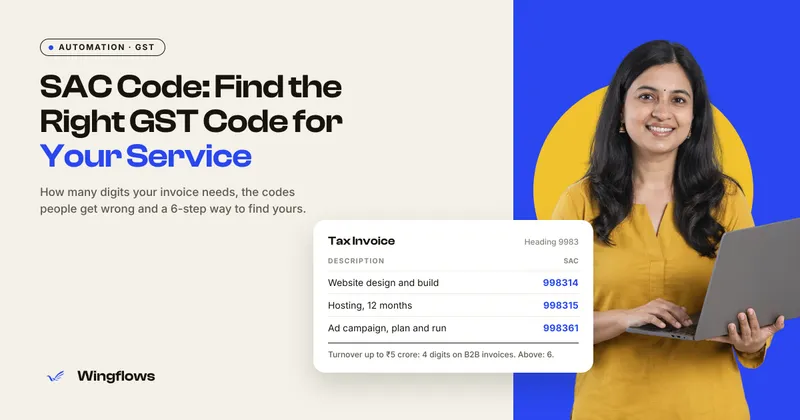
It depends on your annual turnover and on whether the sale is B2B or B2C: smaller businesses quote 4 digits, larger ones 6. Check the current rule on the GST portal before you print, and use the same code in your GSTR-1.
E-invoicing: what this tool does not do
Businesses above the government's e-invoicing turnover limit must register each B2B invoice on the Invoice Registration Portal (IRP), which returns an IRN and a signed QR code. This tool makes a regular PDF tax invoice; it does not create an IRN or the IRP QR. If you are above the limit, generate the e-invoice on the IRP or through your accounting software.
Get paid faster with a UPI QR
Add your UPI ID and a QR appears on the invoice with the exact amount and the invoice number as the note, so the client can pay from any UPI app in seconds. Need a standalone QR for your counter? Use the UPI QR code generator.
Current GST rate slabs
Since 22 September 2025 most goods and services fall into two slabs, 5% and 18%, with 40% for a short list of luxury and sin goods, and nil for exempt items. Special rates such as 3% (gold and jewellery) and 0.25% (rough diamonds) continue. Always check the rate for your HSN or SAC code before invoicing.
GST invoice for an unregistered buyer (B2C)
When you sell to a consumer or an unregistered business, you still issue a tax invoice if you are registered. Leave the recipient GSTIN blank, but print the buyer's name, address, and the state name with its code. The place of supply still decides CGST + SGST or IGST.
The amount in words and the HSN/SAC codes are printed the same way as for business buyers.
Reverse charge on a GST invoice
For some supplies the recipient, not the supplier, pays the GST (reverse charge). The invoice must say whether tax is payable on reverse charge. Turn on "Reverse charge applies" and the invoice prints "Tax payable on reverse charge basis: Yes"; the GST is shown but not added to the amount the buyer pays you.
Invoice numbering across financial years
India's financial year runs from 1 April to 31 March, and each invoice number must be unique within the financial year. Many businesses include the year in the series, for example INV/2026-27/001, and start a new series every April. Keep the whole number within 16 characters, including slashes and dashes.
The tool keeps your format: if your last invoice was INV/2026-27/014, the next one it suggests is INV/2026-27/015.
Copies of a GST invoice
For goods, the CGST rules ask for the invoice in triplicate: an original for the recipient, a duplicate for the transporter and a triplicate for the supplier. For services, duplicate is enough. If you need the markings, download the PDF and add "Original for recipient" and so on in the notes before printing each copy.
Discounts and freight on a GST invoice
A discount given on the invoice itself reduces the taxable value, so GST is worked out after the discount. Freight or packing you charge to the buyer is usually part of the value of supply, so the tool taxes shipping at the invoice's default GST rate. If your freight is taxed differently, add it as a separate line with its own tax %.
Advance received against a GST invoice
If the client already paid an advance, enter it under "Deposit received". The invoice keeps the full taxable value and GST, then shows the deposit and the balance due, and the UPI QR asks for the balance only.
Sample GST tax invoice (intra-state)
A Kolkata design studio bills a client in the same state. Both parties are in West Bengal (state code 19), so the tax splits into CGST and SGST.
| Description | SAC | Qty | Rate | Taxable value |
|---|---|---|---|---|
| Website design | 998314 | 1 | 40,000 | ₹40,000.00 |
| Hosting (1 year) | 998315 | 1 | 6,000 | ₹6,000.00 |
- Taxable value
- ₹46,000.00
- CGST 9%
- ₹4,140.00
- SGST 9%
- ₹4,140.00
- Total
- ₹54,280.00
Common GST invoice mistakes
- Charging IGST on an intra-state sale (or the other way round). Check the supplier state and the place of supply; the tool picks the right one from the two state codes.
- A GSTIN with a typo. The 15th character is a check digit. The tool flags a GSTIN that fails the check.
- Invoice numbers longer than 16 characters. Rule 46 caps the serial number at 16 characters, unique per financial year.
- Missing HSN/SAC codes. Add the code on each line; how many digits you need depends on your turnover.
- No place of supply on inter-state invoices. It decides which tax applies, so it must be printed.
- Charging GST when unregistered. Unregistered sellers issue a plain bill or cash memo; composition dealers and sellers of exempt supplies issue a bill of supply.
Related: Cash memo maker · Delivery challan maker · All-in-one invoice generator · GST quotation maker · UPI QR code generator · Amount in words converter · GST-ready ERP and automation
Sources: CBIC: CGST Rule 46 (tax invoice) · IGST Act, section 7